Skip to content
tapik.app

The POS that keeps running even when the internet goes down

Till, orders, kitchen, QR menu and kiosk, all inside the same program and connected to your accounts. It runs in the cloud, and if one day you are left without a line, it carries on taking payments.

  • No tie-in
  • On an Android you already own
  • Open demos, no sign-up
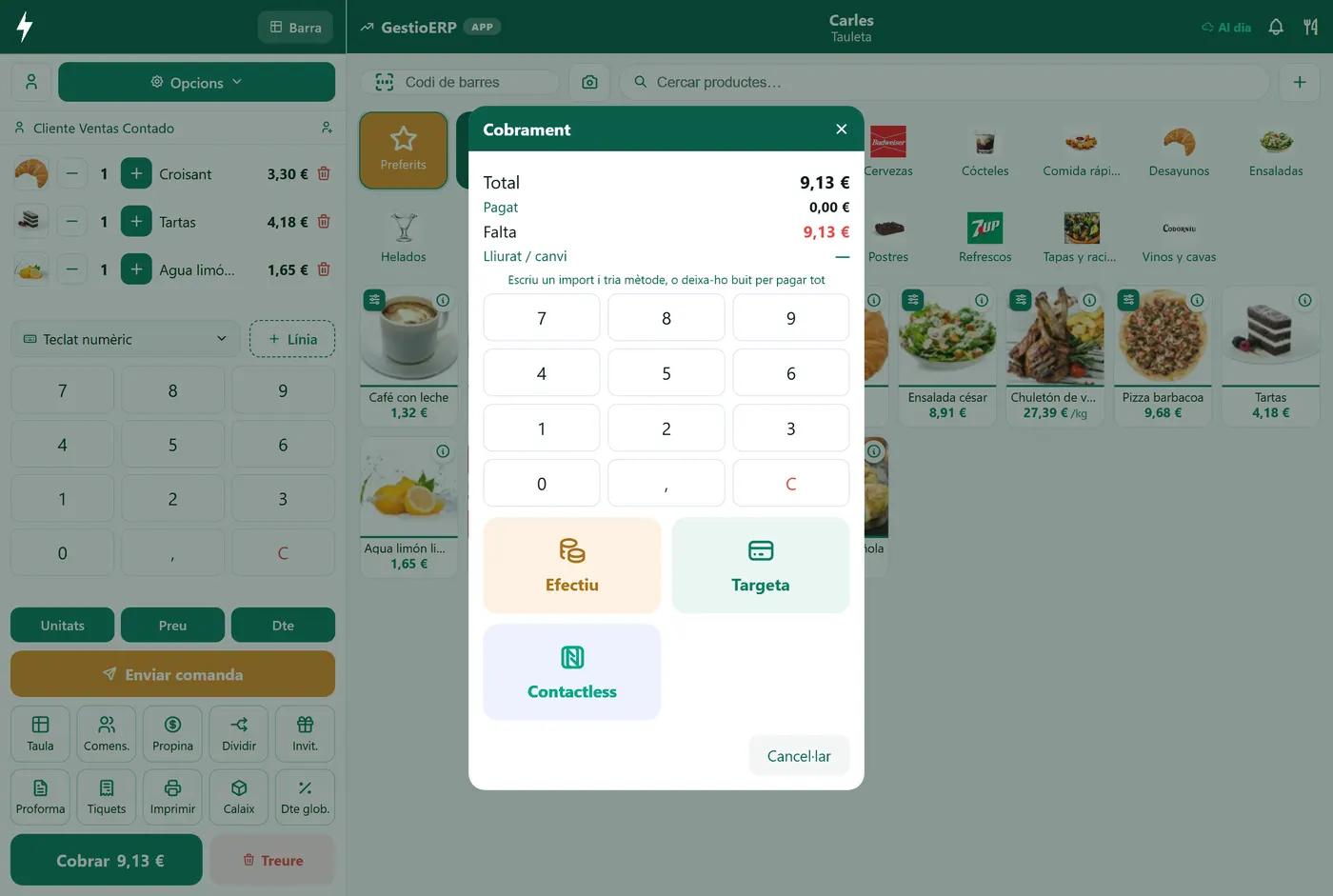
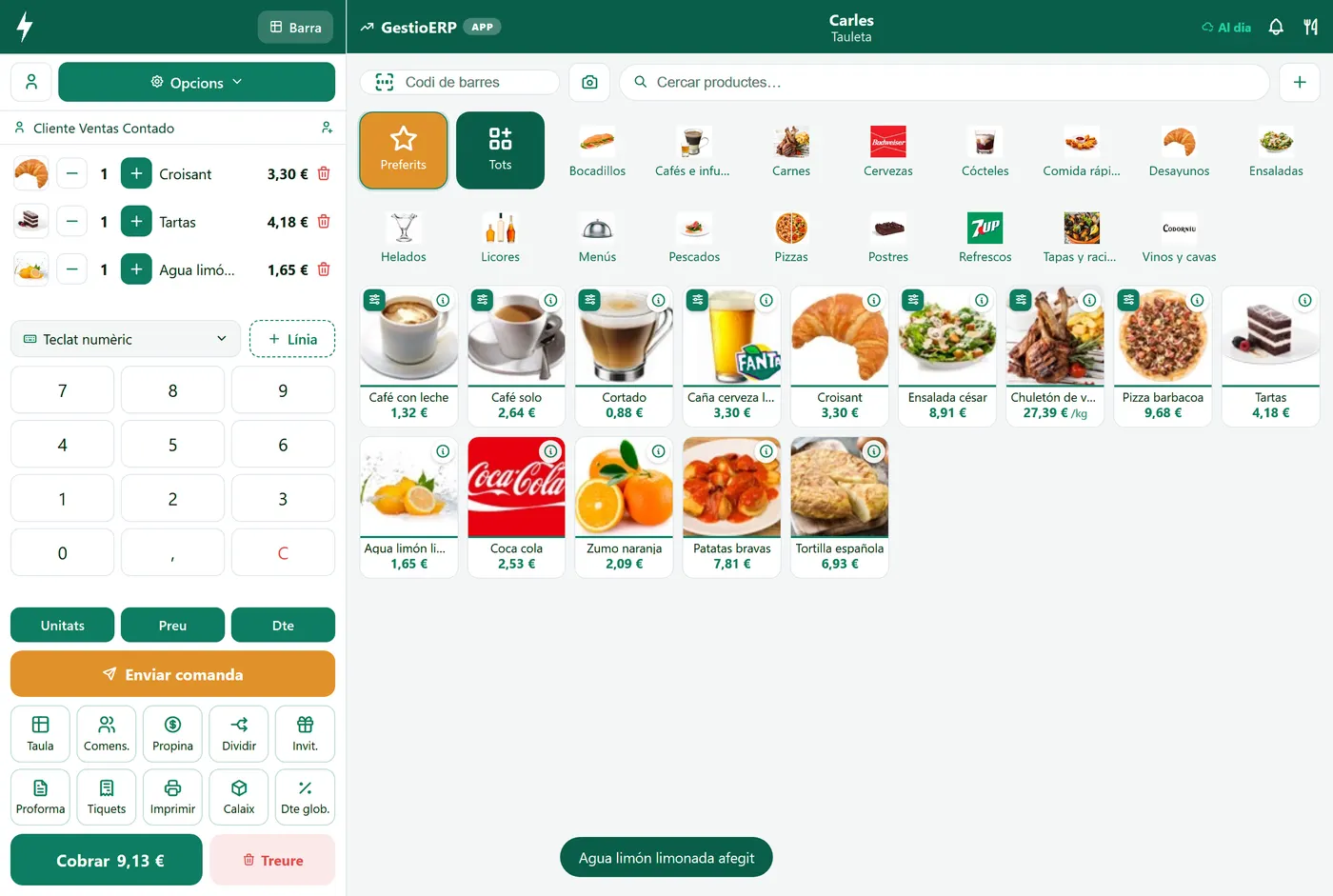
The Tapik POS on a counter terminal

Who it is for

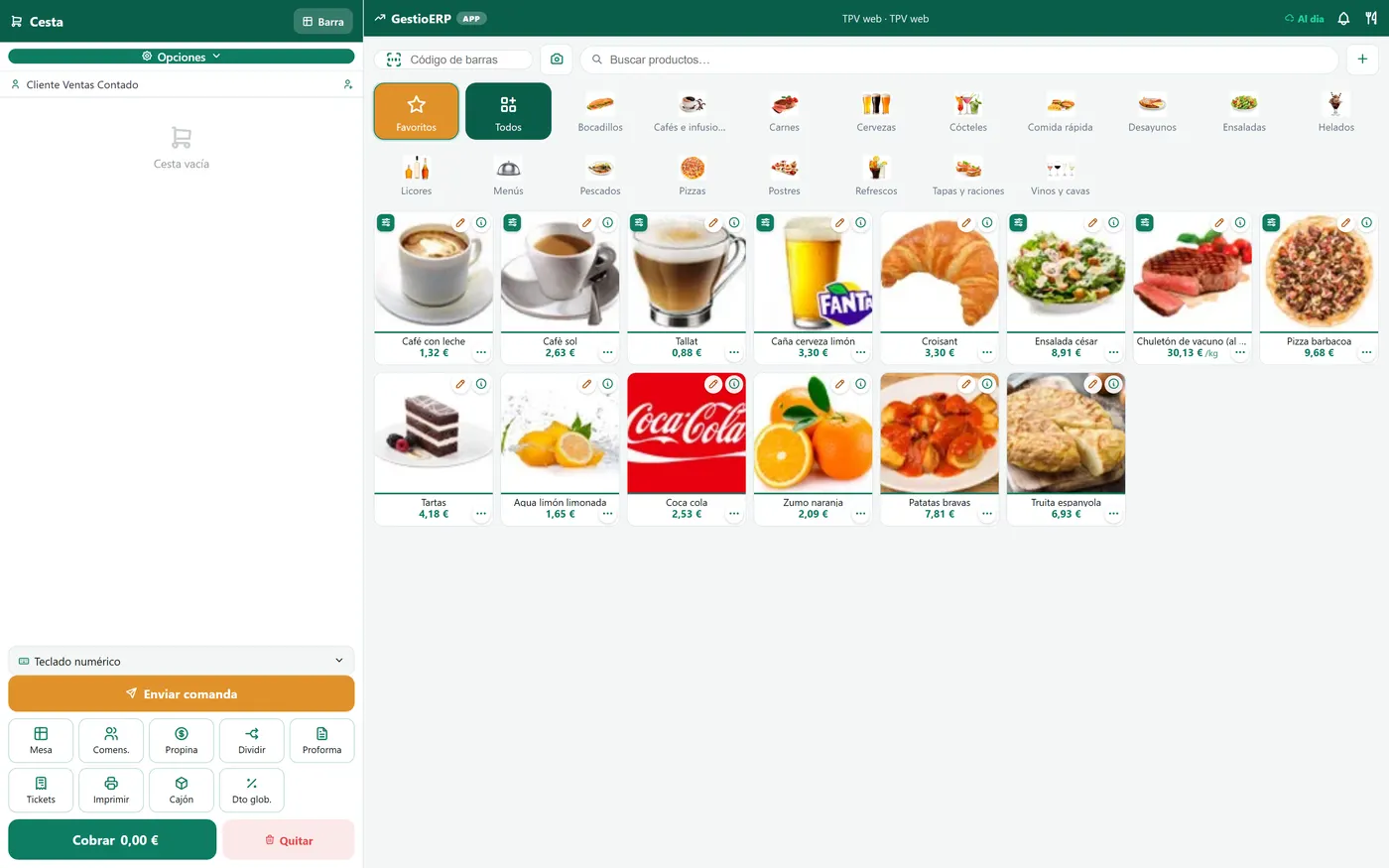
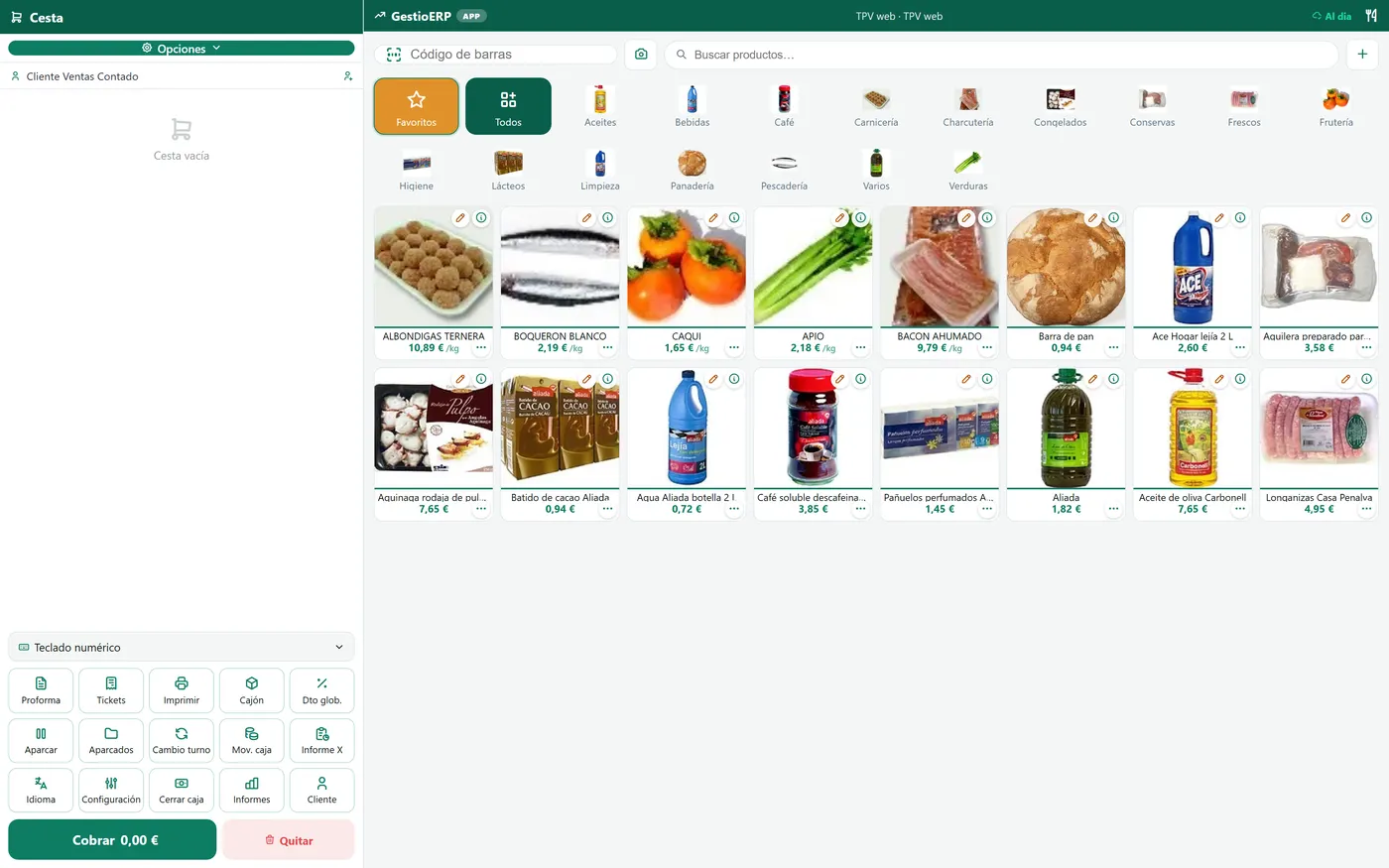
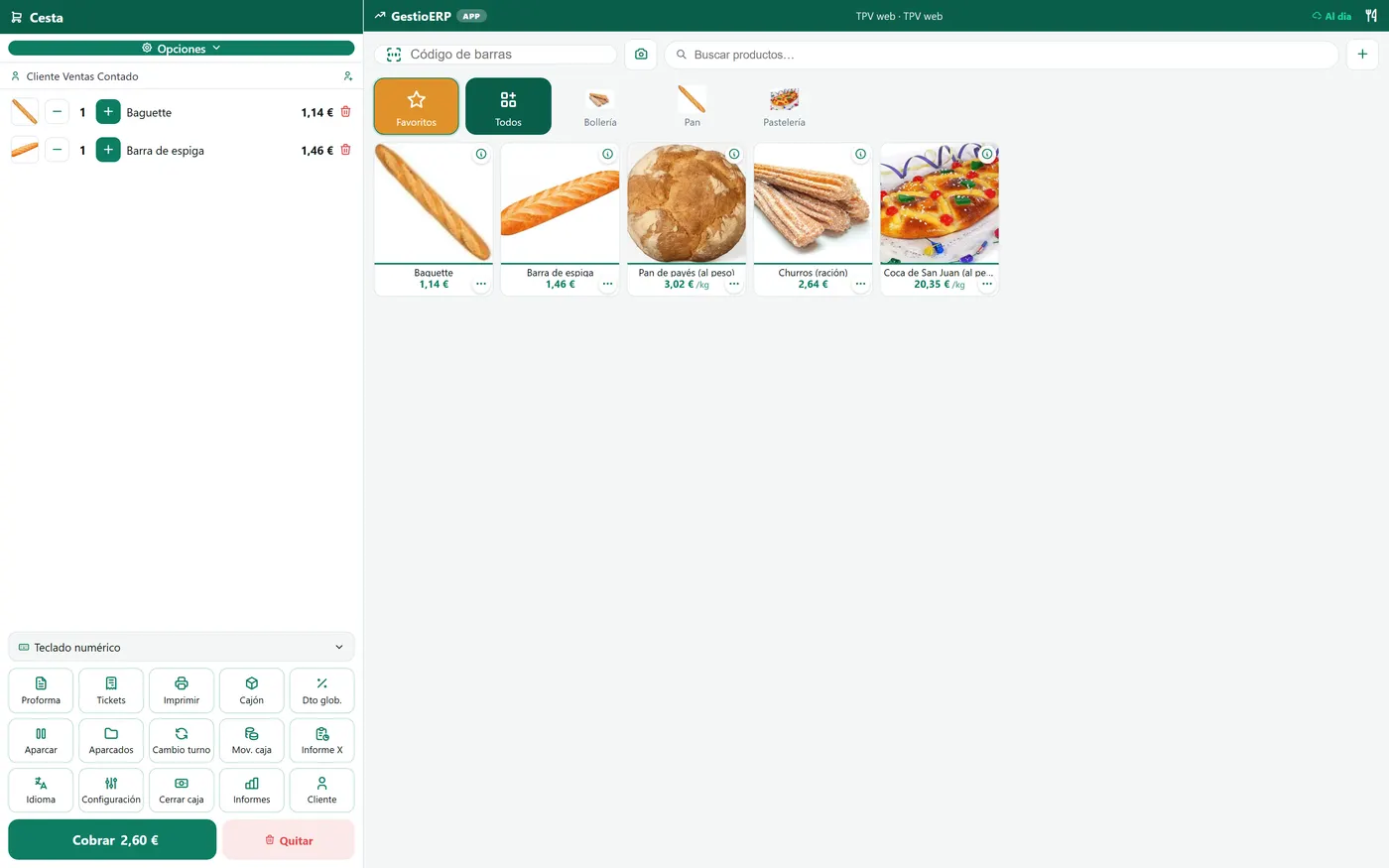
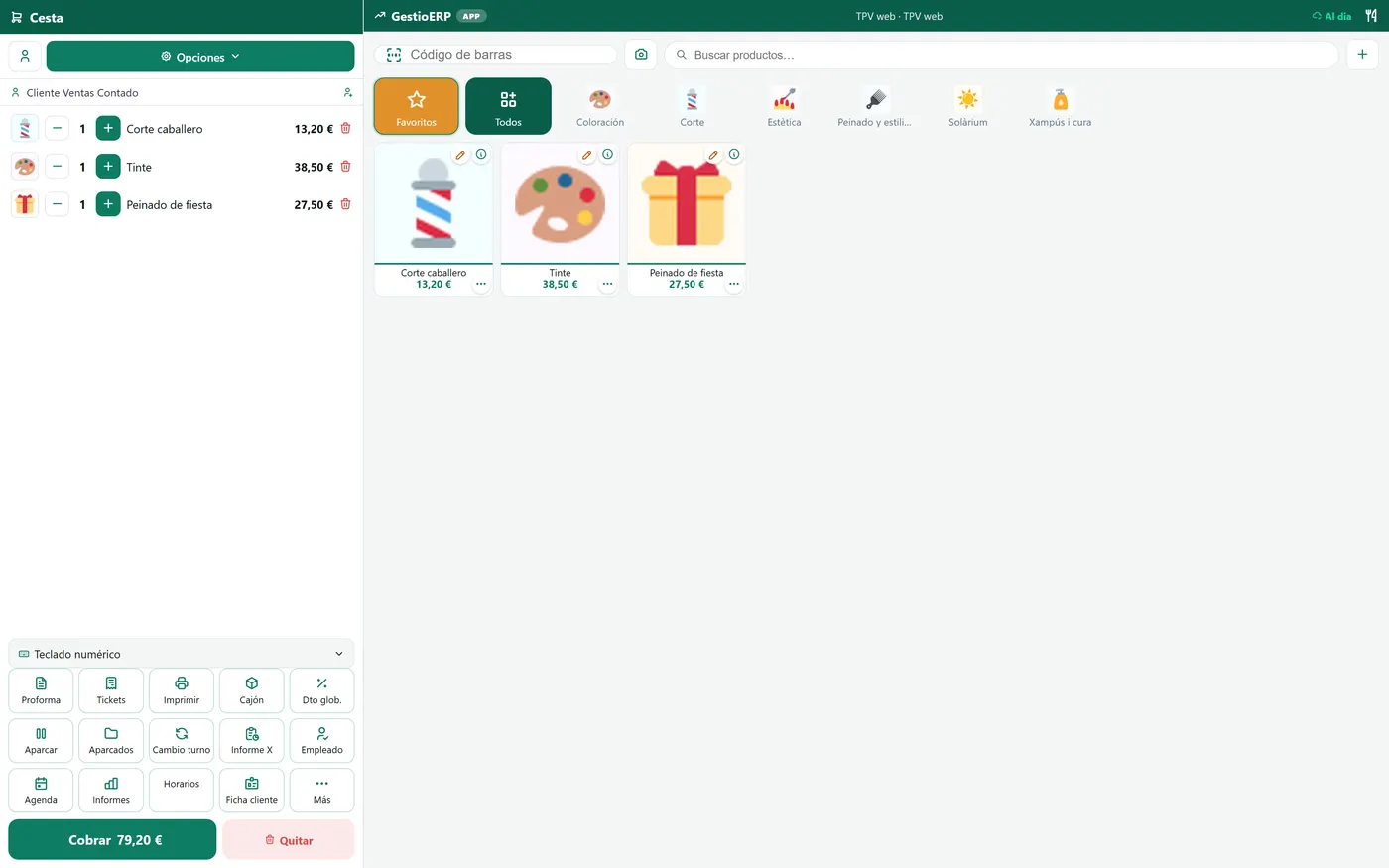
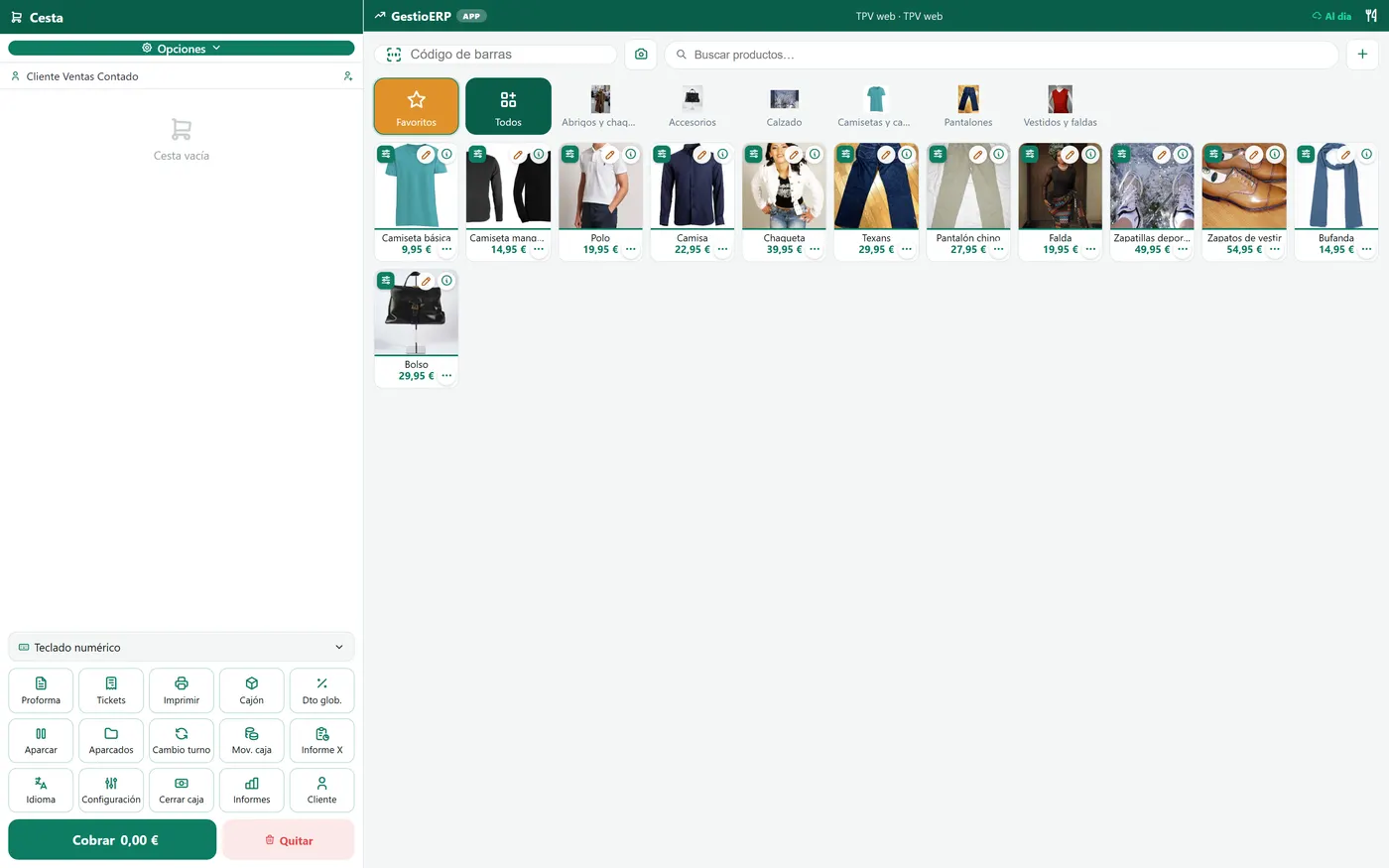
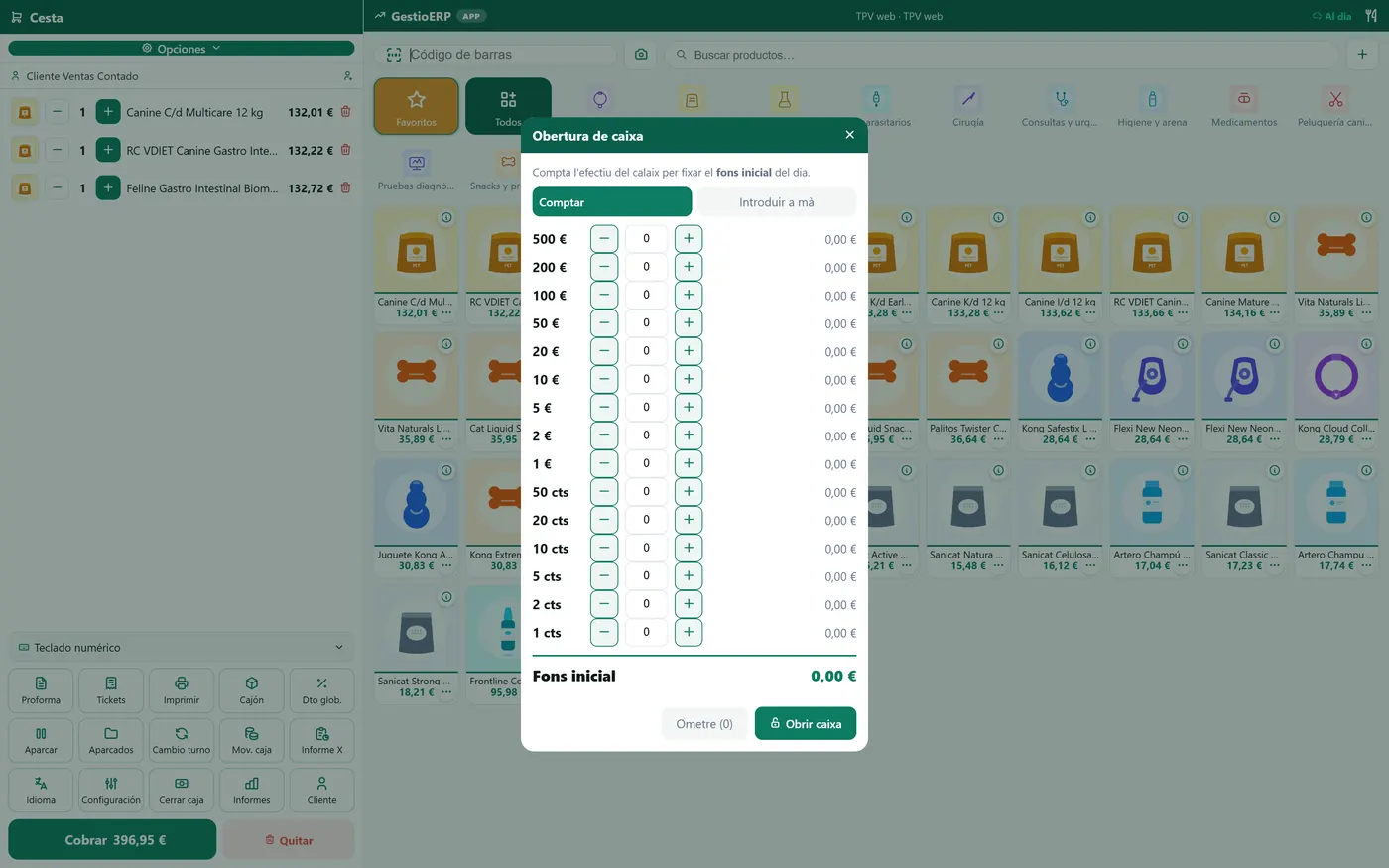
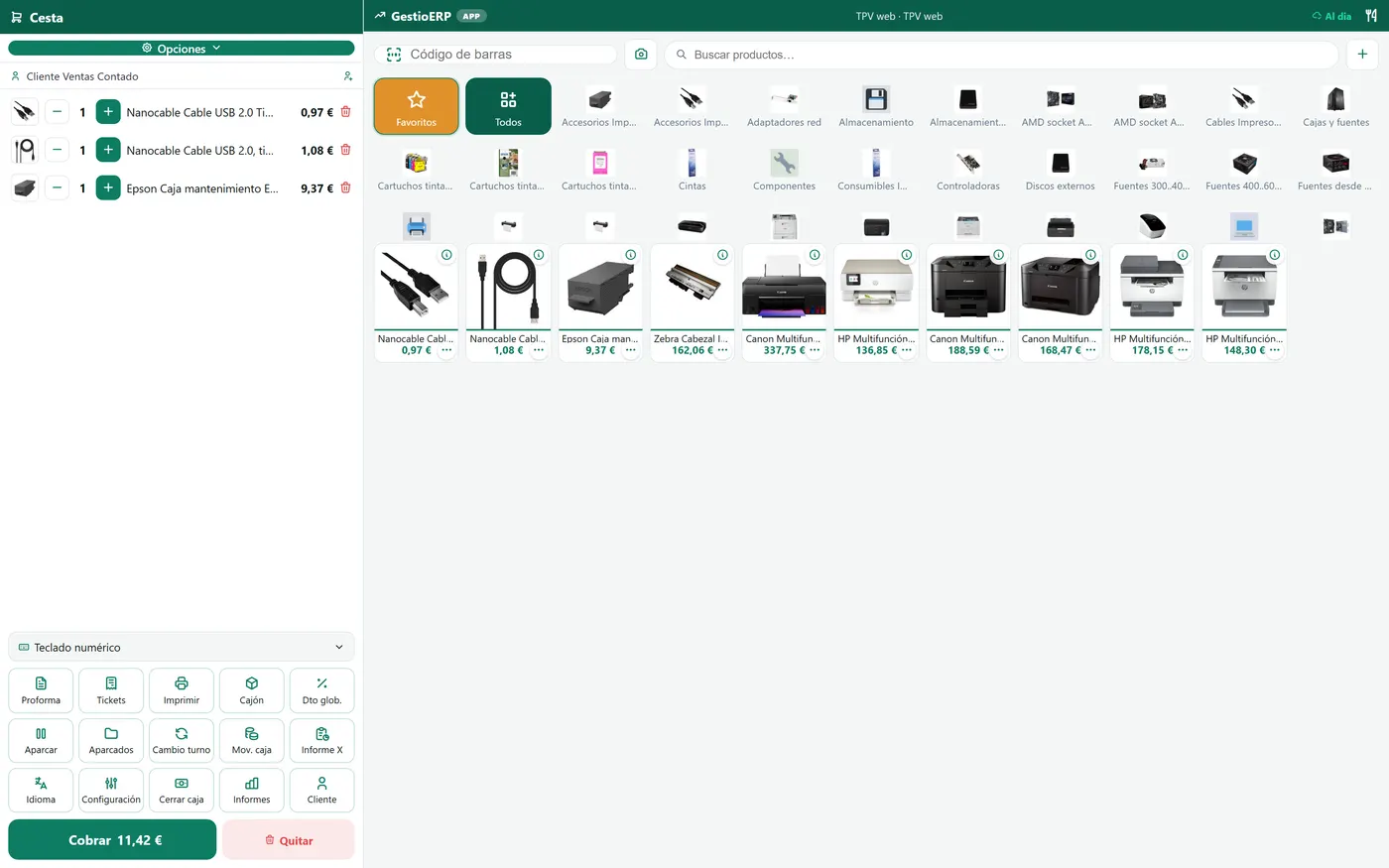
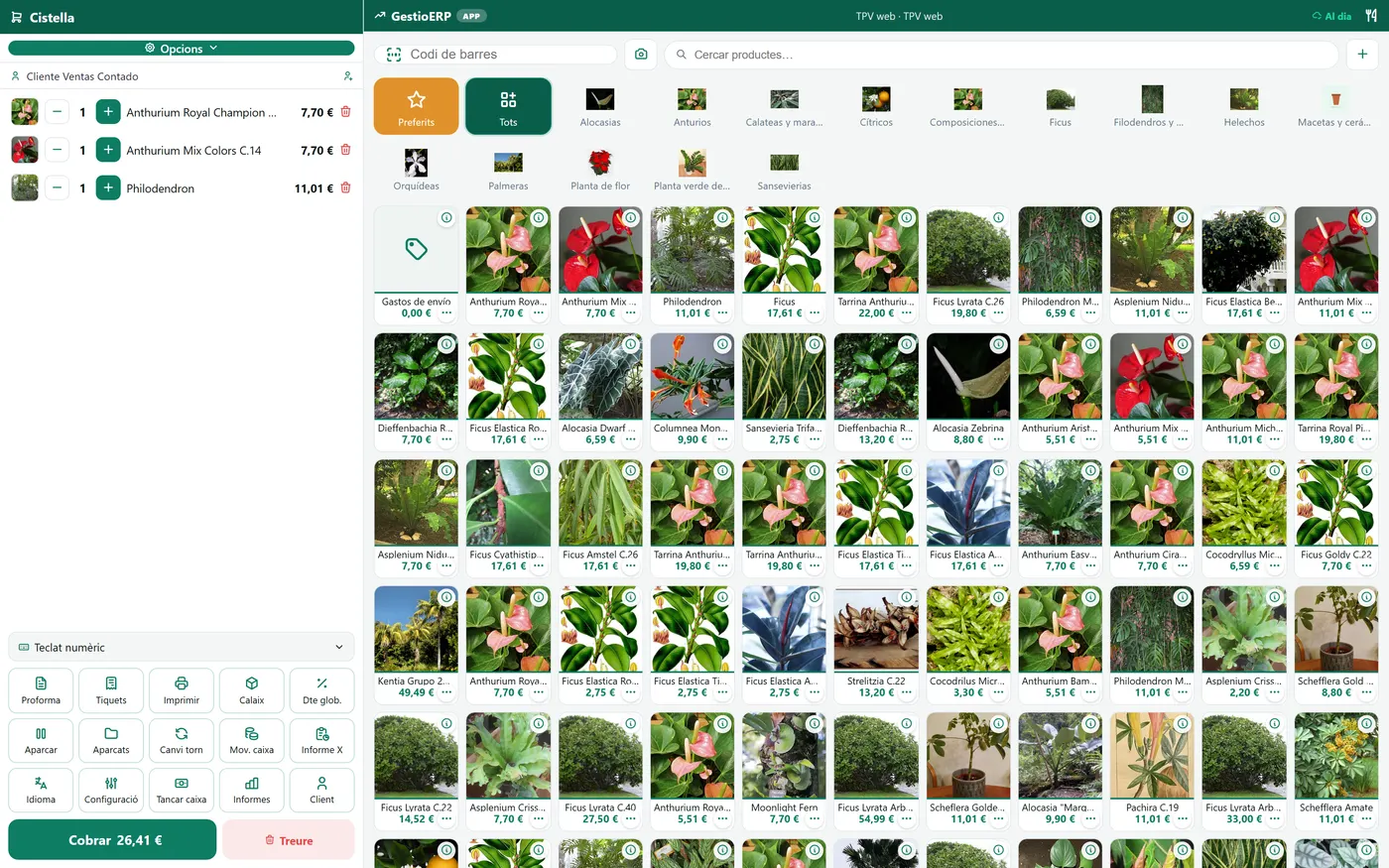
The same POS, the screen each trade needs

It is not a generic program with the name changed: every sector has its own screens, its own buttons and what it needs to hand. Go into the demo and see for yourself.

The whole set

The till is only the beginning

The handheld, the kitchen, the customer's menu and the kiosk are the same program talking to itself. There is nothing else to buy and no two programs to make understand each other.

Order-taking on the phone

Order-taking on the phone

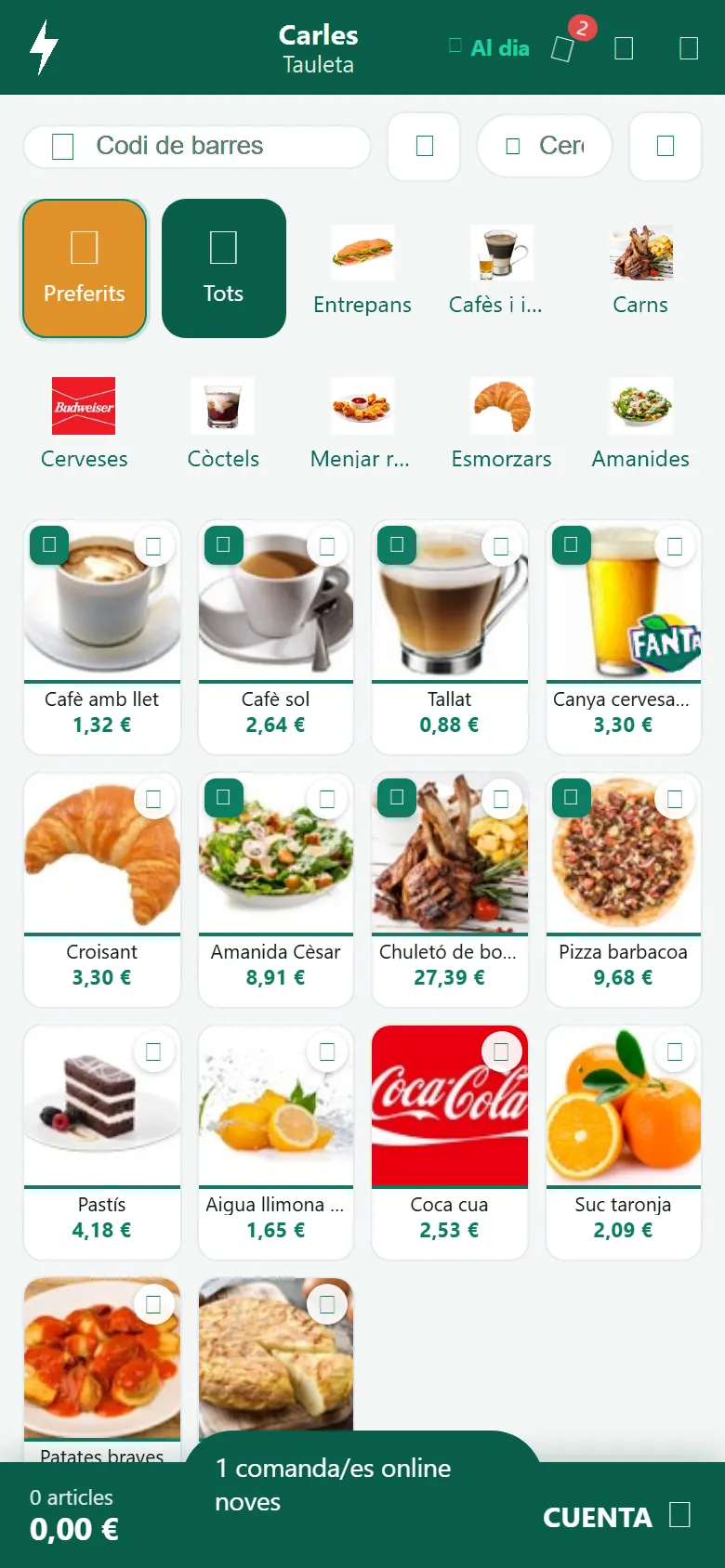
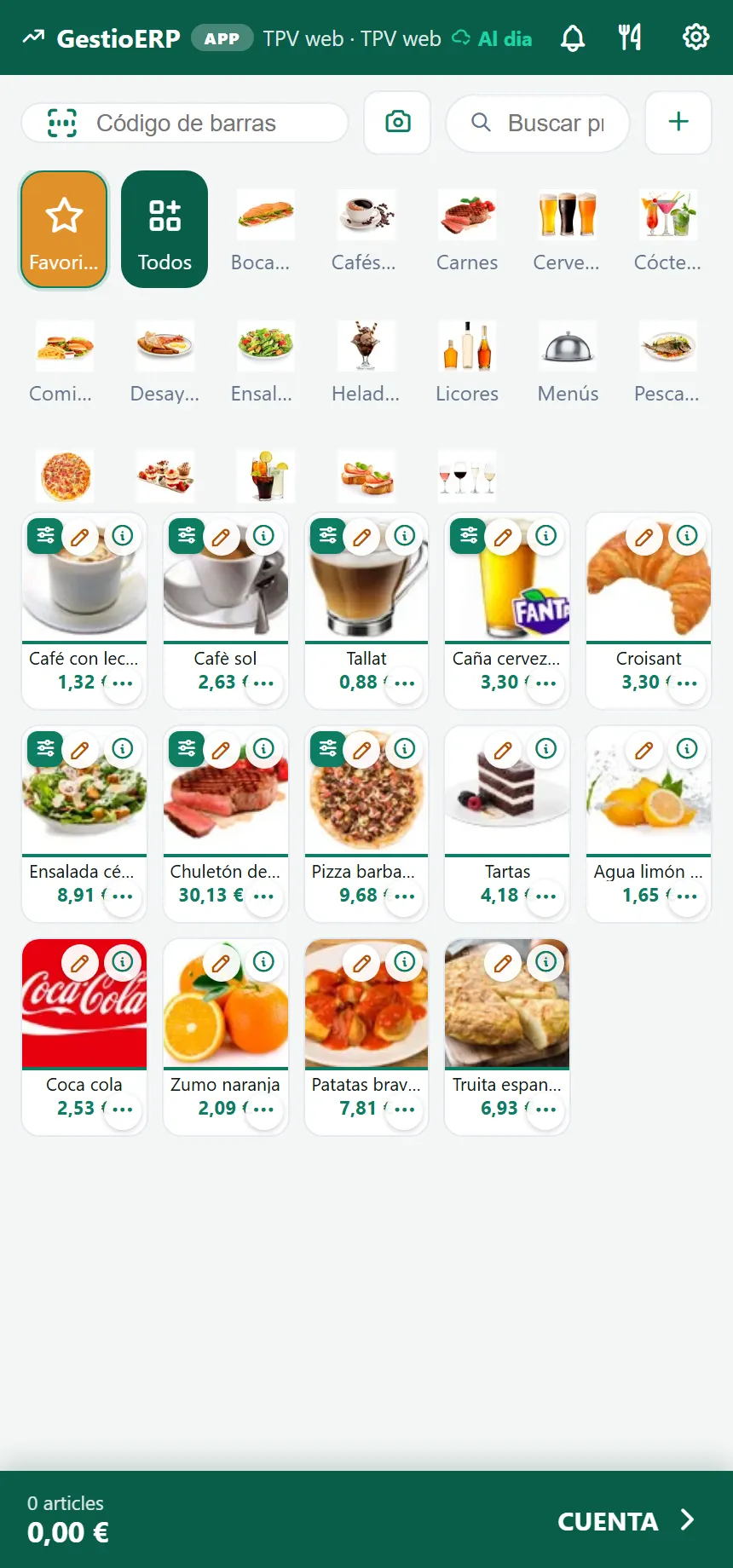
The waiter takes the order on their own Android, standing at the table. What they enter shows up in the kitchen straight away and on the table's bill.

Kitchen display (KDS)

Kitchen display (KDS)

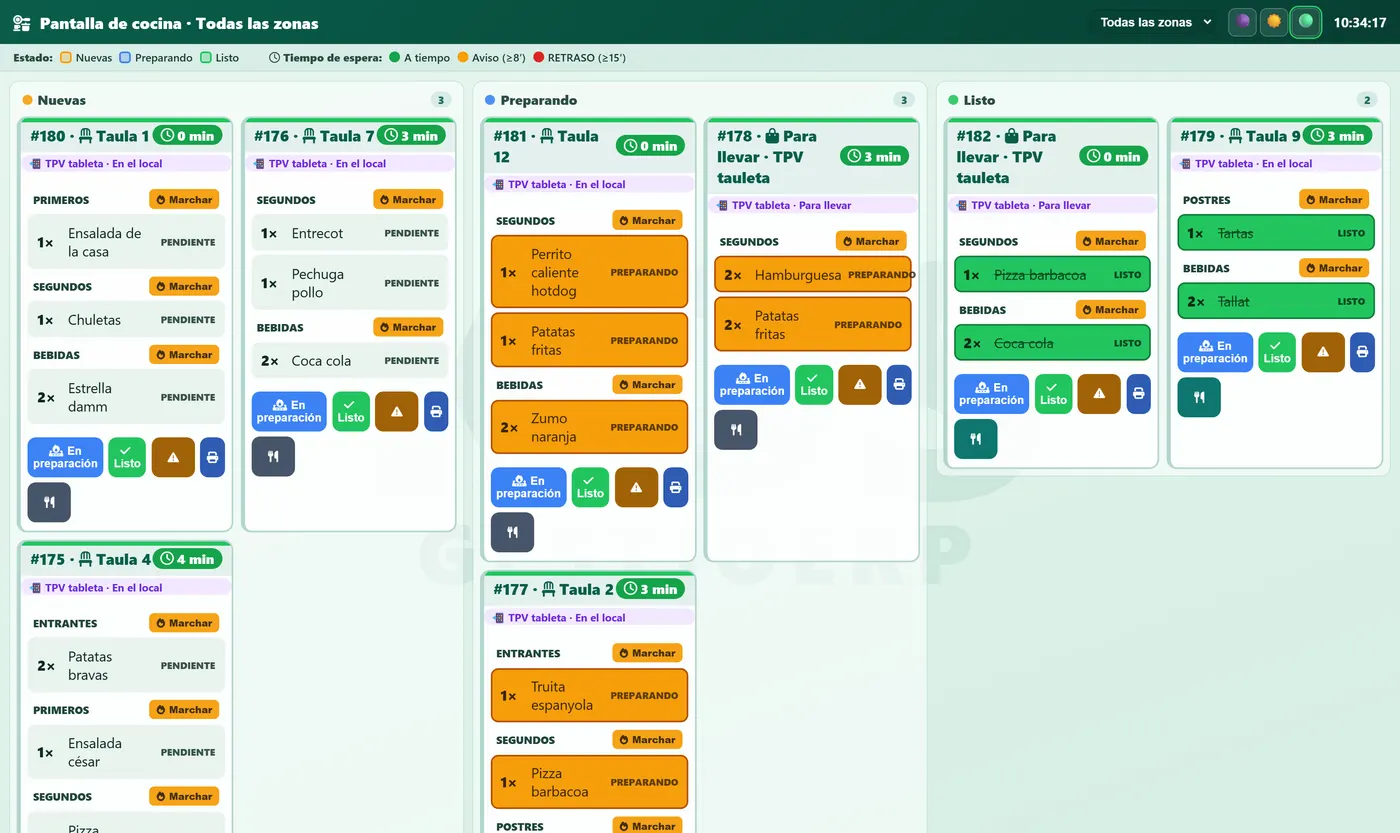
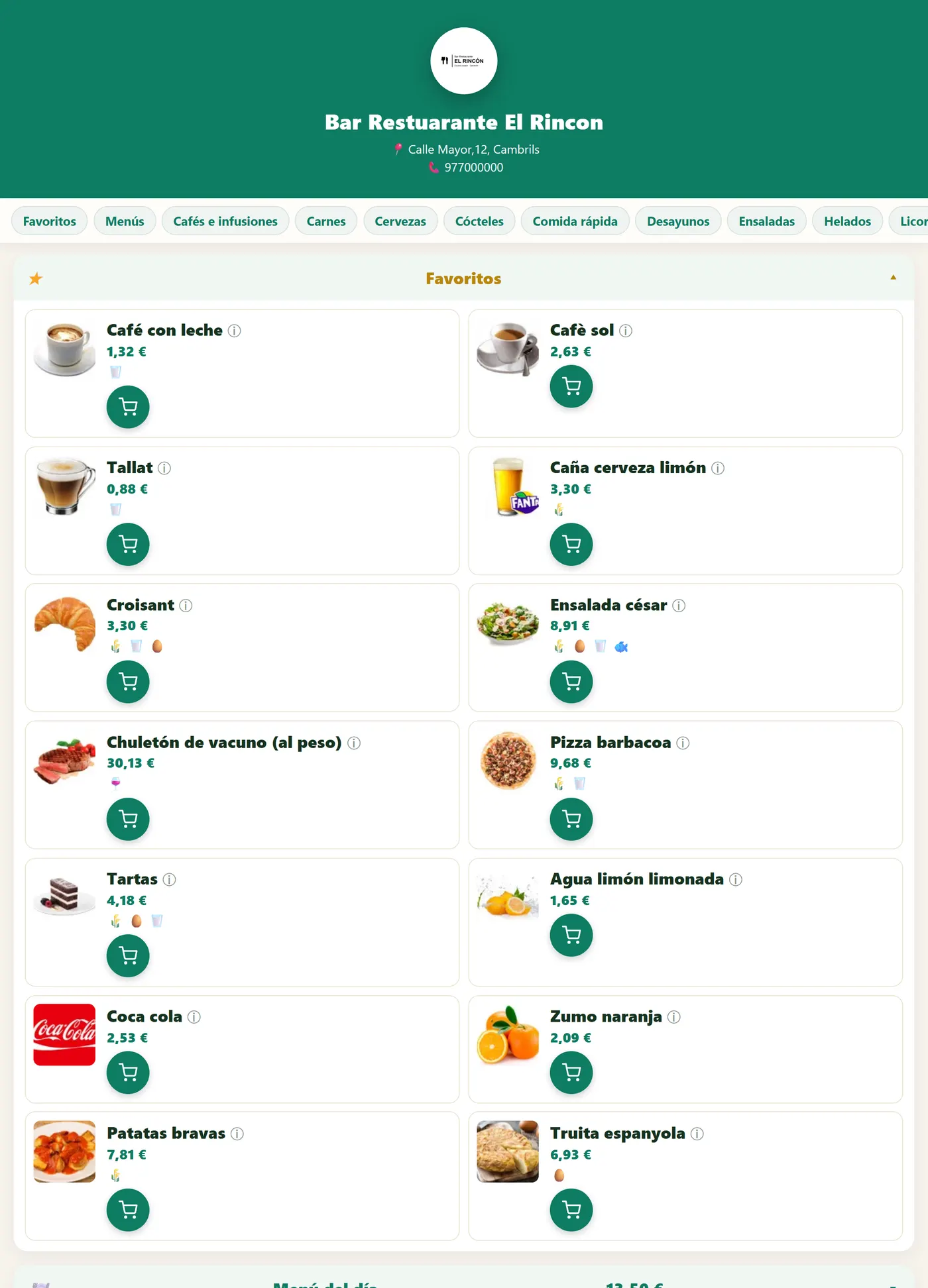
Each station sees only what is theirs: the fryer, the grill, the desserts. Orders are sorted by time and whatever has gone out is crossed off.

Digital menu with a QR code

Digital menu with a QR code

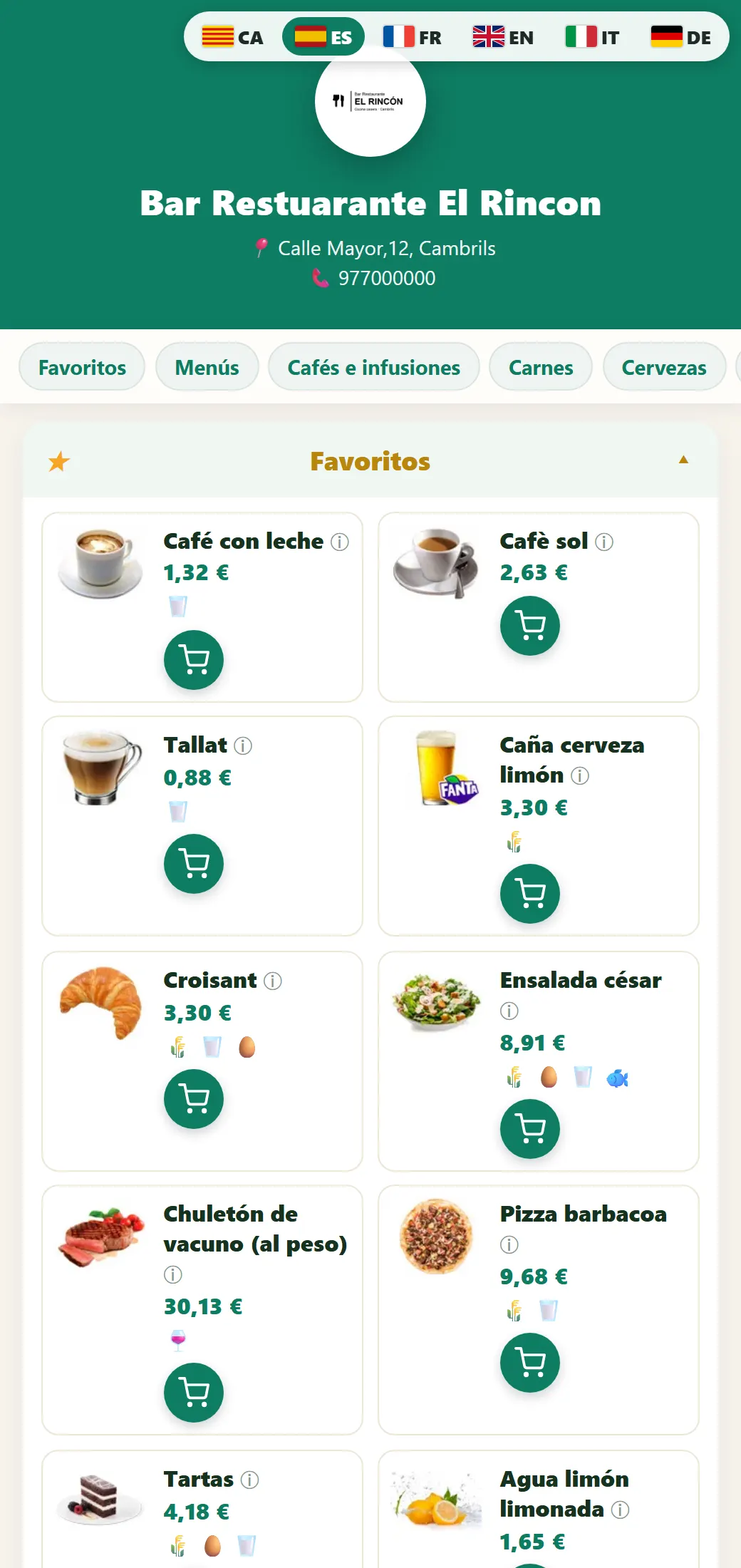
The customer scans the QR code on the table and sees the menu with the allergens and the photos. Change a price on the POS and the menu already has it: there are never two menus.

Self-order kiosk

Self-order kiosk

The customer orders and pays on their own at the screen by the door. The order goes into the kitchen like any other and the receipt comes out of the kiosk printer.

Connected scale

Connected scale

The scale talks to the till: you put the goods on, choose the item and the weight is already on the line. No typing, no hitting the wrong key.

9,13 € Gràcies per la visita
Second screen for the customer

Second screen for the customer

The customer sees what they are being charged while they are being charged: the lines, the total and the change. Fewer arguments at the counter.

The counter

It talks to what you already have

You don't have to change your hardware to start on a new program. The scanner, the scale, the printer and the drawer on the counter all carry on working; and if you want to go further, the smart drawer.

Smart cash drawer

The till balances on its own

It works with the drawers that take the money and give the change back —Cashlogy by Azkoyen and other makes—. The POS tells it the amount, the customer drops the money in and the machine counts the change out. Nobody touches the cash and, at closing, what the machine says and what the program says is the same number.

  • No discrepancies, nothing missing
  • Nobody touches the money
  • It spots the fake note
  • Cash-up in a minute
Receipt Carbonell olive oil 5 L 7,65 € scanned

You scan the barcode and that is that

The scanner you already have, by USB or wireless. Scan the barcode and the item drops into the line with its price; and if you haven't got one, the phone camera reads it too.

0,000 kg 0,00 €
0,340 kg 3,33 €

The weight goes straight onto the receipt

You put the goods on the plate, tap the item and the weight is already on the line with its amount. It also reads the labels the counter scale prints, with the weight inside.

Receipt printer

Thermal, 80 or 58 mm, by USB, network or Bluetooth. And the kitchen one, which can be a different printer in a different room.

Android POS and second screen

It runs on any Android: the counter terminals with a built-in printer, a 10-inch tablet, a handheld or the phone already in your pocket.

Charge

From the banknote to the phone, it all ends up on the same receipt

However you take the money, the sale is written down once and the cash-up balances without anyone putting a hand in.

Card: the bank's terminal or a SumUp reader

The POS tells the amount to the bank's card terminal or to the SumUp reader over Bluetooth, and the device answers back whether it went through. Nobody types the amount twice, which is where the discrepancies come from.

Take payment with the phone (NFC)

No card terminal: the customer holds their card or their watch to the Android phone and it is paid. And if a PIN is needed, the pocket SumUp reader. It works well on the terrace and out on deliveries.

Payment gateways

To take payment for a kiosk order or a QR-menu order, or to send a payment link to someone booking. The payment finds its way back onto the receipt on its own.

Cash, and the drawer

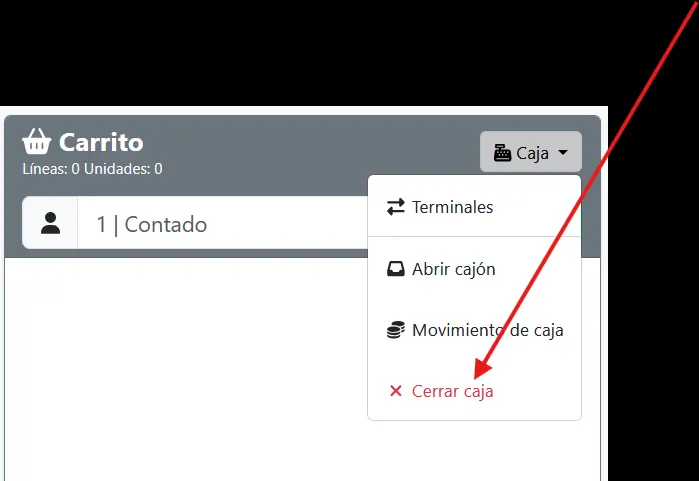
The change worked out, the drawer that opens on its own and the cash-up at closing, coin by coin. If something is missing, you can see whose shift it was.

Split the bill

By people or by product, and each one with their own method: one by card, another in cash, the third one treating everybody.

Simplified invoice and Verifactu

The receipt is a simplified invoice, and if a full one is needed it is made from that same receipt. Ready for Verifactu.

Taking card payments

Take card payments without the bank's terminal

SumUp card readers are built into Tapik: a small device, with no monthly fee and no tie-in, that charges what the POS tells it to. For anyone opening up who doesn't want to be tied to a bank, and for anyone who already has a terminal and wants a second one for the terrace.

SumUp card reader

The POS tells it the amount and the reader takes the payment

The reader pairs over Bluetooth with the phone or the tablet running Tapik. When you press «Card», the amount is already on the reader's screen; the customer holds up the card, the phone or the watch, and when the reader says yes, the receipt closes on its own as a card payment. No typing the amount in, no writing it down afterwards.

  • It pairs over Bluetooth with the phone or the tablet running Tapik and you can start taking card payments
  • The amount travels on its own from the POS to the reader: nobody types it twice, which is where the discrepancies come from
  • It takes Visa, Mastercard, Maestro and American Express, by contact, contactless and with a PIN
  • And the customer's phone or watch: Apple Pay, Google Pay and Samsung Pay
  • Tipping can be switched on: the customer chooses a percentage, or whatever amount they like, before paying
  • The payment closes the receipt as «card» and at cash-up it stays apart from the cash
  • Visa
  • V Pay
  • Mastercard
  • Maestro
  • American Express
  • Apple Pay
  • Google Pay
  • Samsung Pay

The account takes five minutes on SumUp's website; the reader arrives at your door. After that, on the terminal's record in Tapik, you choose «SumUp (Bluetooth reader)» and you are taking payments.

Tapik on the phone, with the sale open

No monthly fee, no tie-in

No fixed monthly cost, no rental for the device, no contract tying you down. You pay a small commission per transaction and that is all.

Low commission per transaction

The same rate for debit and credit cards, and no minimums: the month you sell little, you pay little.

Fast and secure

Contactless payment, with a PIN when it is needed. Certified by the banks and the card schemes; the data never goes through the POS.

SumUp is an electronic payments provider recognised the world over, with millions of businesses taking payments with its readers. Tapik can also take payments with a bank card terminal through a local agent, with Redsys or Stripe, or with a SumUp QR code on the screen: every way of taking payment.

Takeaway

Half of what you sell goes out of the door

In a bakery, in a deli and in half the restaurants, what the customer takes away weighs as much as what is eaten at the table. Tapik treats it for what it is: no table, with a name and, very often, a pick-up time in between.

It does not take up a table

It is marked as «takeaway» from the very first item. It goes to the kitchen like everything else, but with the name of whoever is coming to pick it up instead of a table number.

They order it themselves

From the QR menu or from the kiosk in the shop. It drops into the orders tray on its own and you decide whether you take it and in how many minutes it will be ready.

Orders for another day

Saturday's cake or the twenty loaves for the communion: with the day, the time, a deposit if they leave one, and a printed slip. On the day it comes up in the bakehouse on its own.

Glovo, Uber Eats and Just Eat

They go into the POS with a payment method per platform, so at closing they stay apart and you can reconcile their settlement. Its own price list for delivery: the commission cannot eat your margin.

The day the line goes down

The internet goes down and you carry on taking money

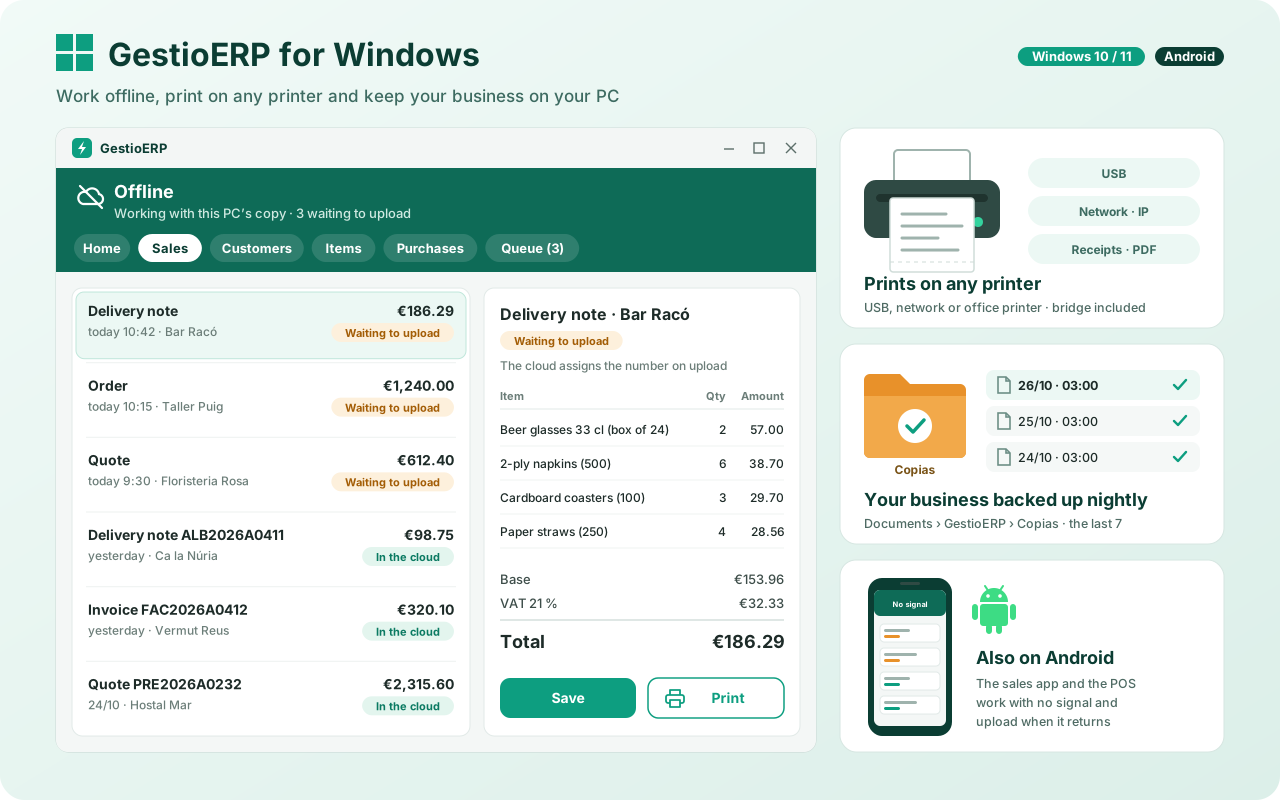
It is the question you should ask any cloud POS, and the one nobody answers clearly. Here the answer is that nothing happens: the tills talk to each other over your own network, the sale is saved and, when the line comes back, everything goes up to the cloud on its own.

  • It carries on taking payments — receipts, drawer and printer work just the same.
  • The kitchen carries on receiving — the handheld and the KDS talk over the local network, without going outside.
  • Nothing is lost — when the line comes back everything goes up on its own, in order and without duplicating a single sale.

And the rest of the business

The sale is already in the accounts

Tapik is GestioERP's POS, not a separate program that connects to it afterwards. What you take today already counts in the stock, in the reports and in the tax return, with nothing to export and no file to pass along.

Stock It comes off when you take the payment
Invoices From the receipt to the invoice
Accounting Automatic journal entries
Reports What sells and when

Come in now and try it yourself

They are real demo businesses, with their own catalogue and their own sales. No sign-up, no email to leave.

Or download it for Android: all the apps